claude-kiosk


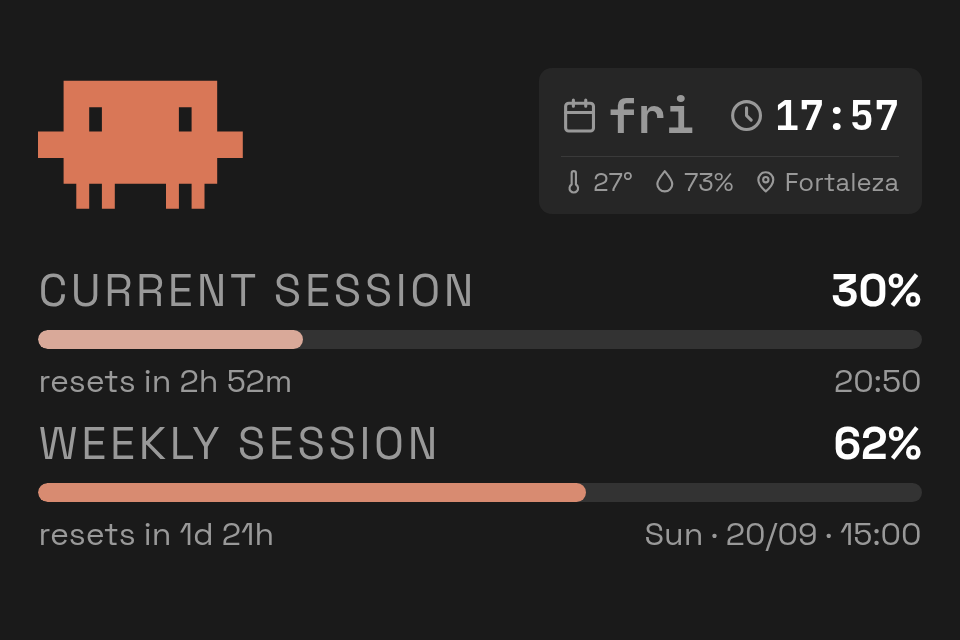
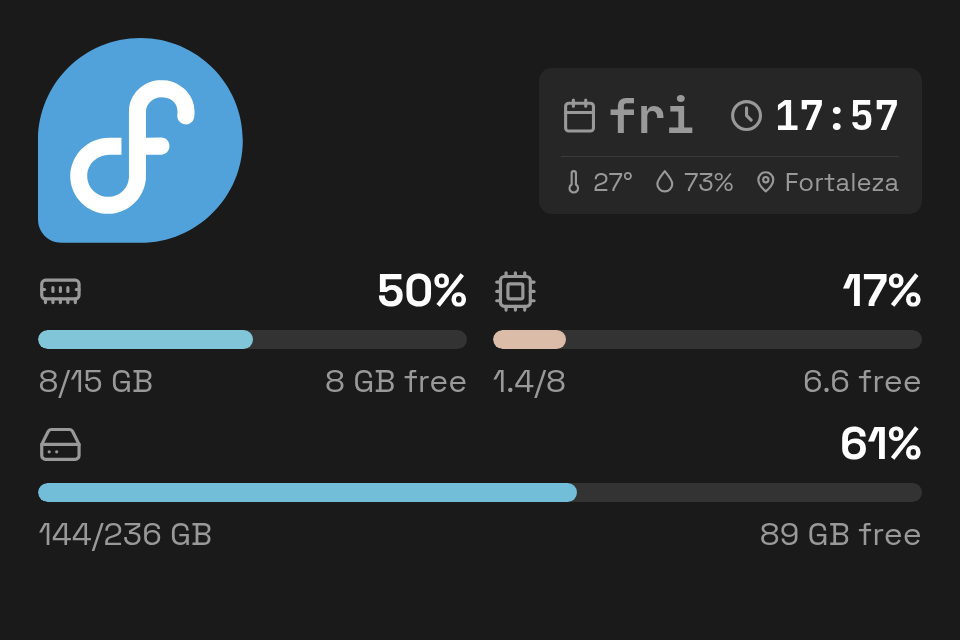
claude-kiosk is a local kiosk display for Claude usage and system resource stats. Shows three screens you tap/click to switch between:
- Usage: 5-hour and 7-day Claude usage bars (from the OAuth
usageendpoint), plus a weather strip (day, time, temperature, humidity) up top. - Overview: memory, CPU and disk usage bars for the host machine.
- Pomodoro: focus/break timer (25/5 min, 15 min long break every 4 sessions) with start/pause, skip and reset controls. State persists across reloads and the screen flashes and beeps when a phase ends.
It reads your existing Claude Code login from ~/.claude/.credentials.json (no separate API key needed), and runs entirely locally: no telemetry, no external accounts.
Quick start
Install with your tool of choice.
uv tool install claude-kiosk
pipx install claude-kiosk
pip install claude-kiosk
Then run it: serve opens in your browser, open uses a dedicated
window with no address bar. See Usage for the rest.
claude-kiosk serve
claude-kiosk open
License
claude-kiosk is MIT licensed.
Where to go next
- Installation:
pip/pipx/uv tool. - Usage: every CLI command, configuration, and the desktop launcher integration.
- Changelog: generated from commit history by
python-semantic-release.